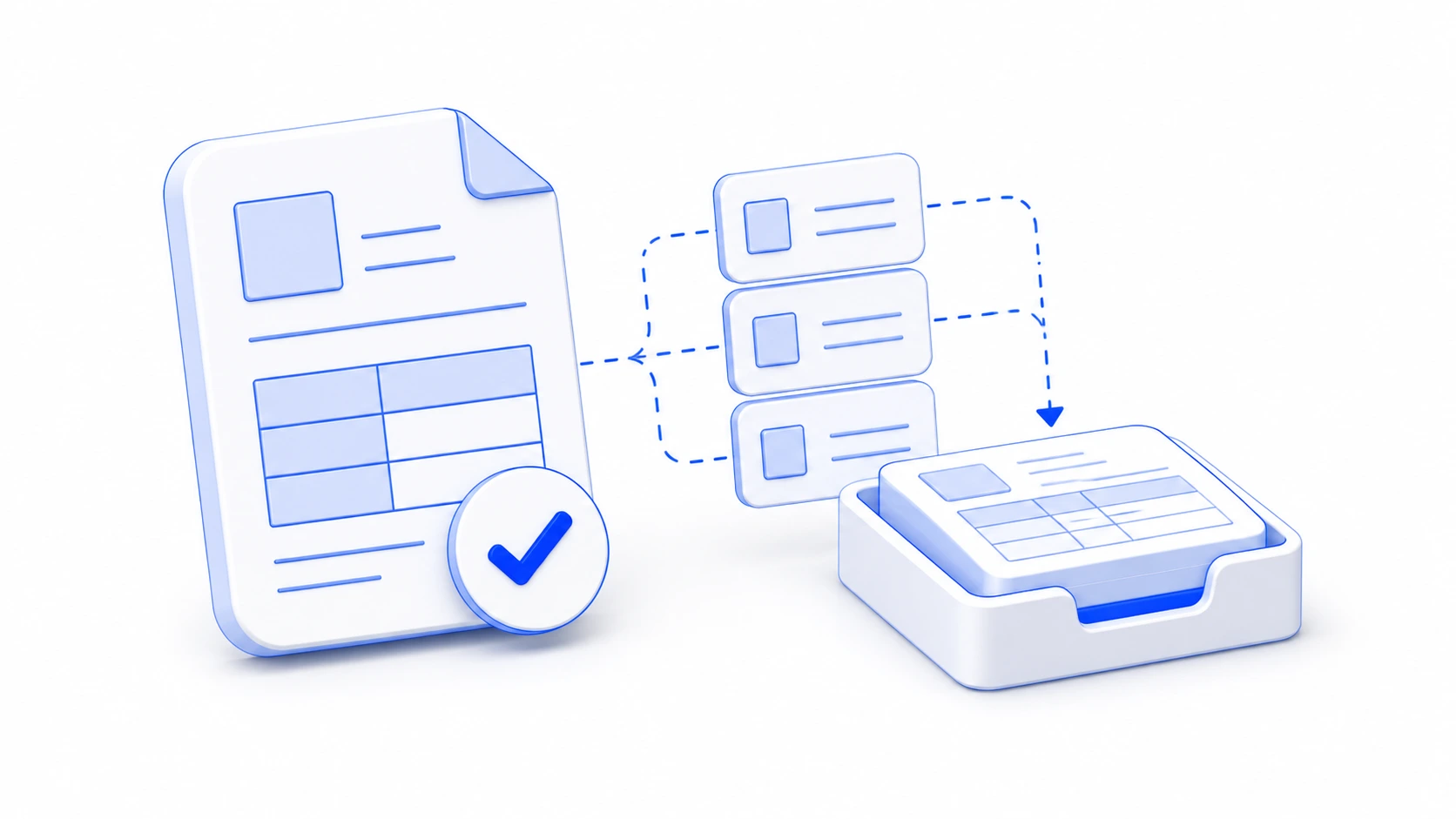
Invoices before approval
Extract supplier, invoice number, due date, totals, VAT rows, IBAN, and payment reference from PDF invoices.
Use cases
Start with the documents that slow approvals, records, and ERP imports. exdata turns PDFs, scans, email attachments, and e-invoices into structured fields your systems can route.
Industries and sectors
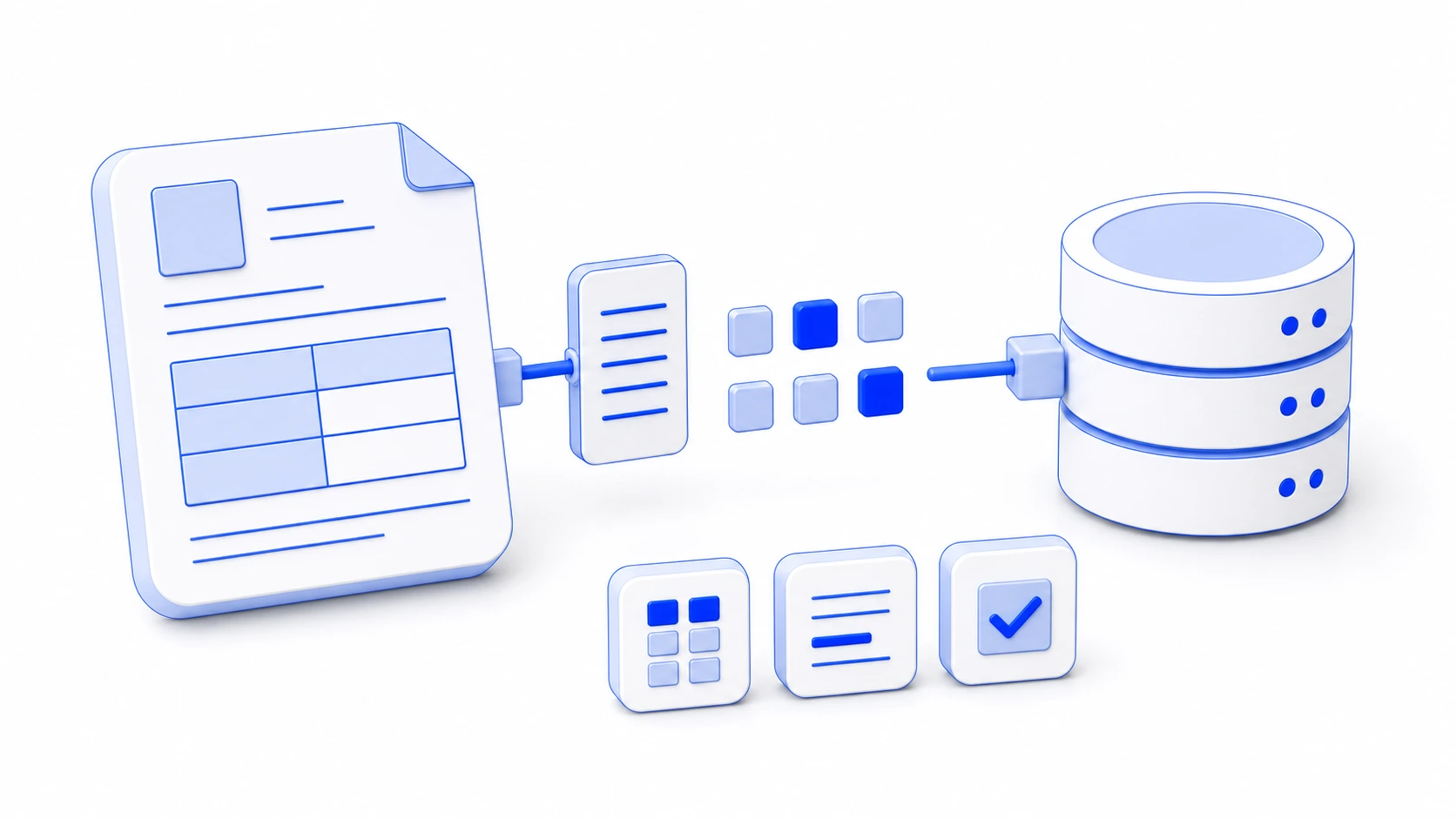
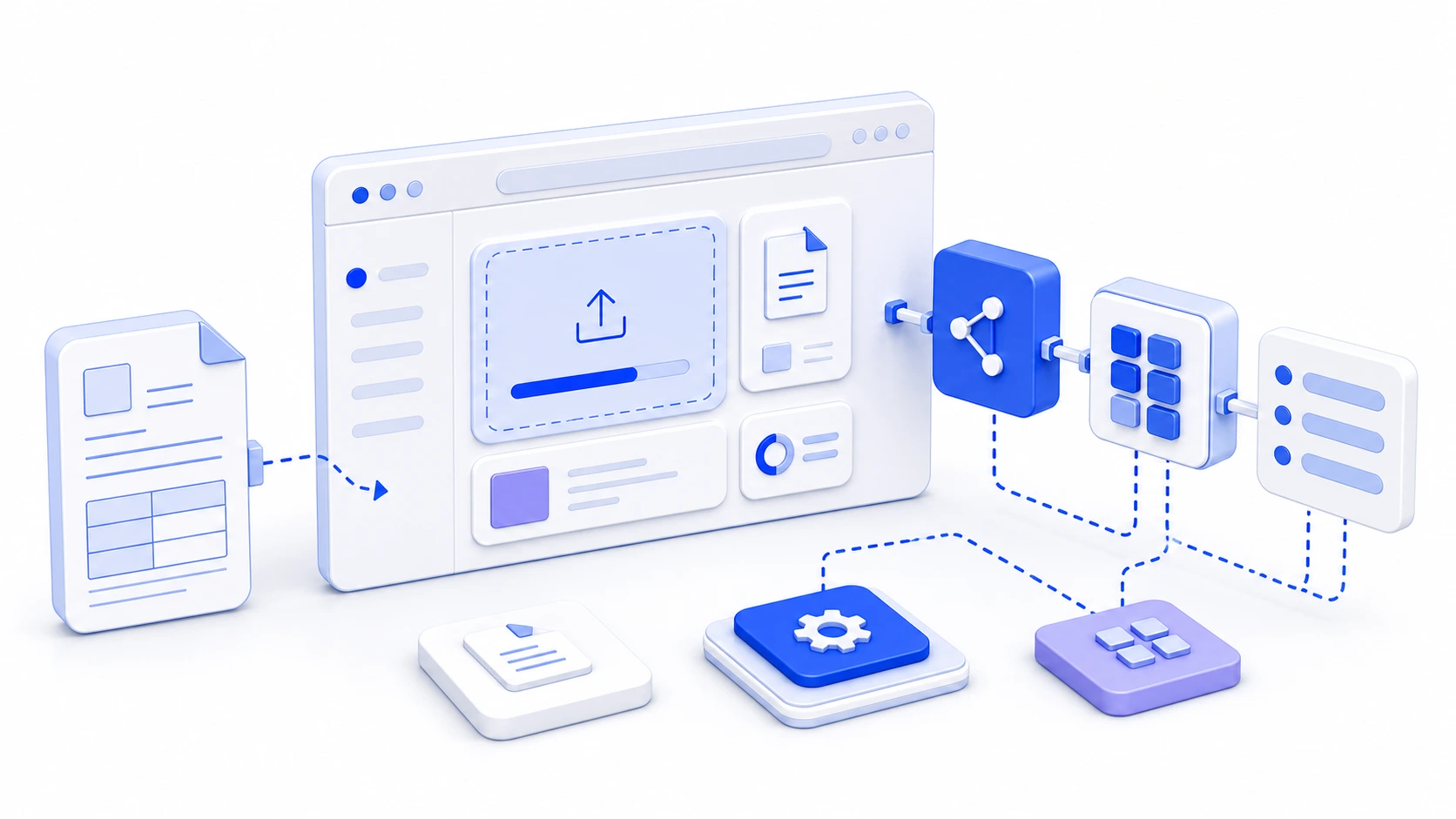
Each sector starts with the same dependable pattern: upload the document, extract evidenced fields, then hand normalized JSON to the system that already owns the process.
Extract supplier, invoice number, due date, totals, VAT rows, IBAN, and payment reference from PDF invoices.
Enrich archived PDFs and scans with names, dates, amounts, references, tax IDs, and document categories.
Normalize document fields before they enter ERP import queues, validation jobs, or customer-specific workflows.
Capture payment details, gross and net amounts, dates, references, and parties before review or payment runs.
Route supplier invoices, order references, period dates, and cost center data into the right operational queue.
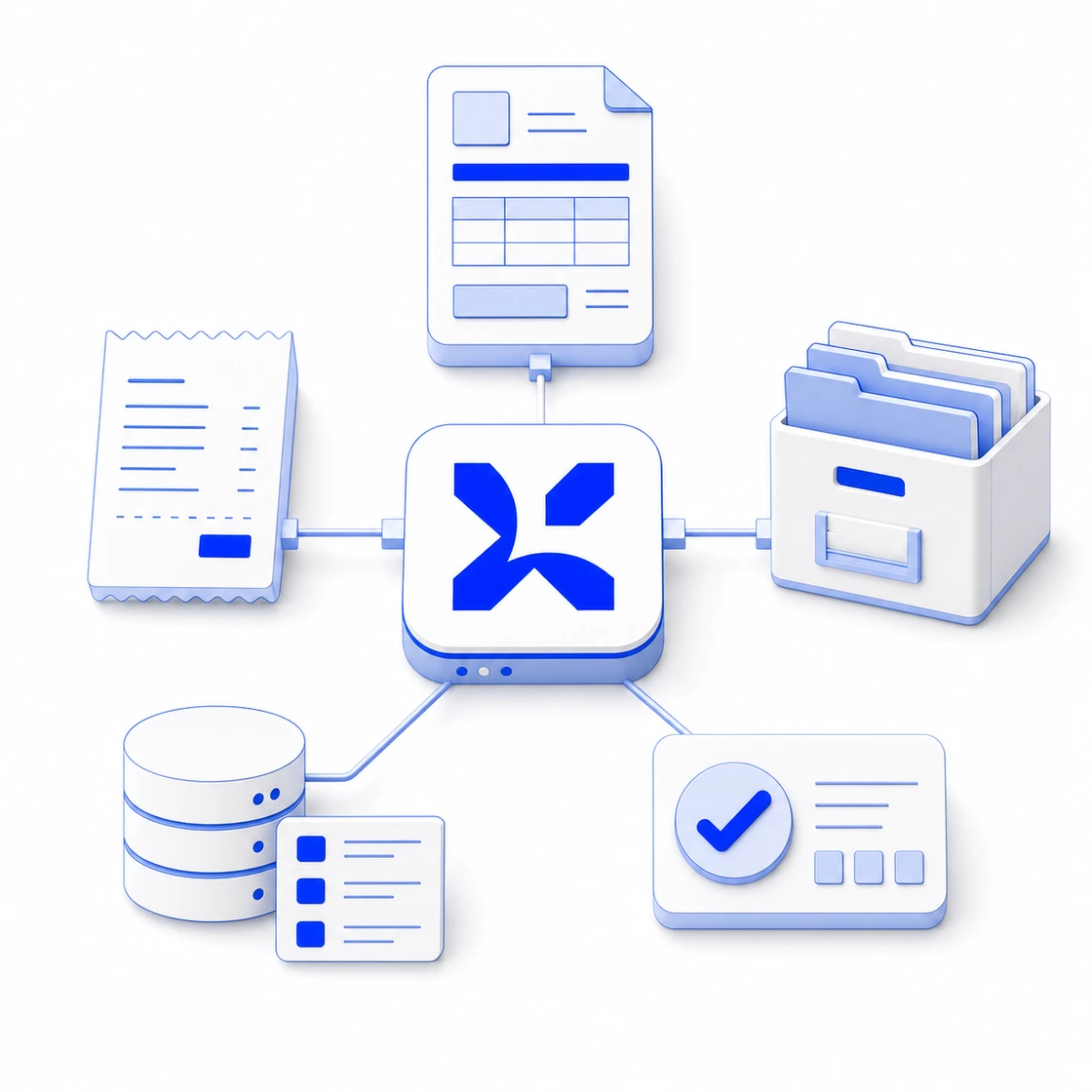
Use one API to add extraction to accounting platforms, archive products, workflow tools, and custom client portals.
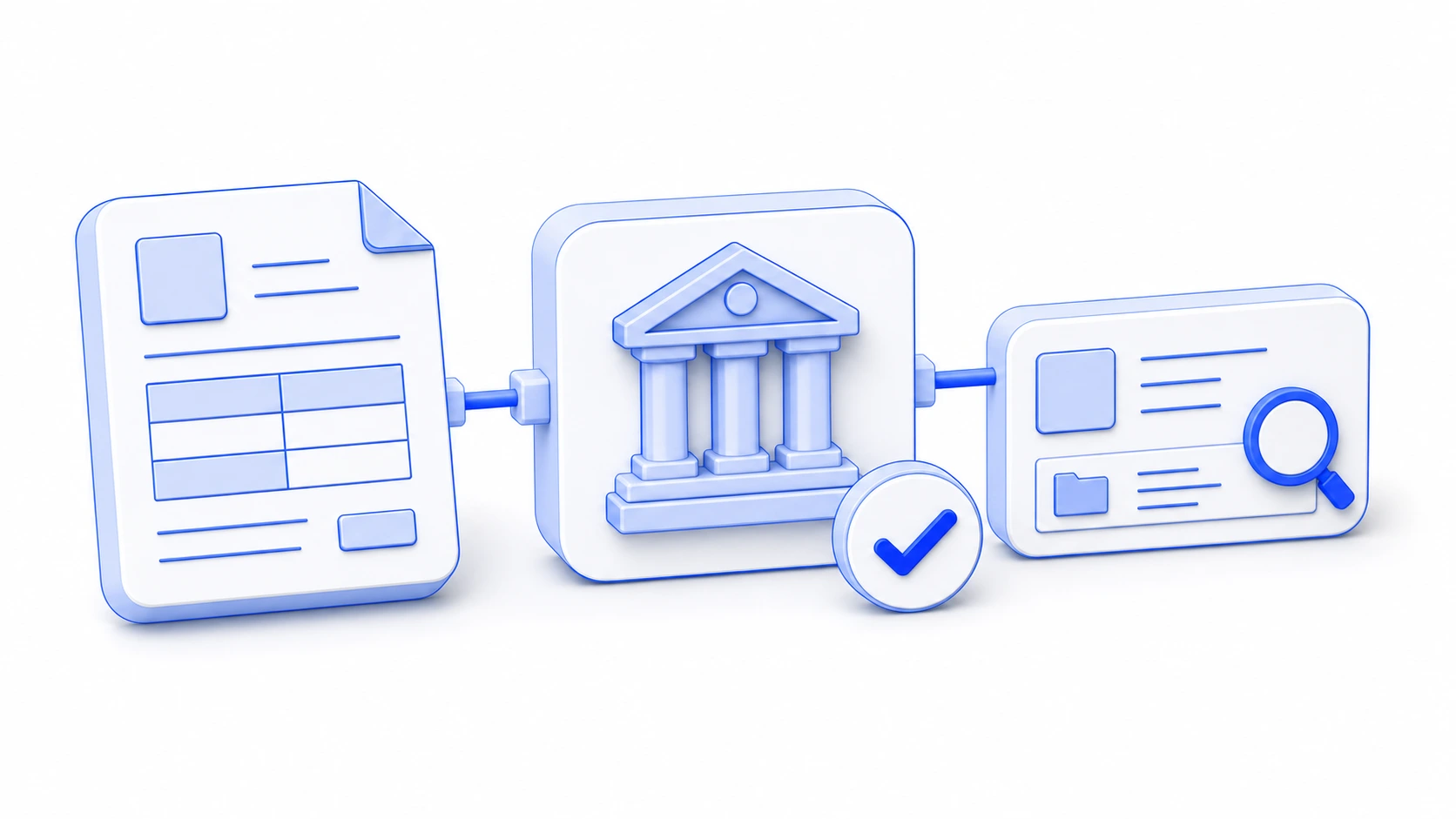
Turn incoming PDFs and scans into searchable records with dates, parties, references, and routing context.
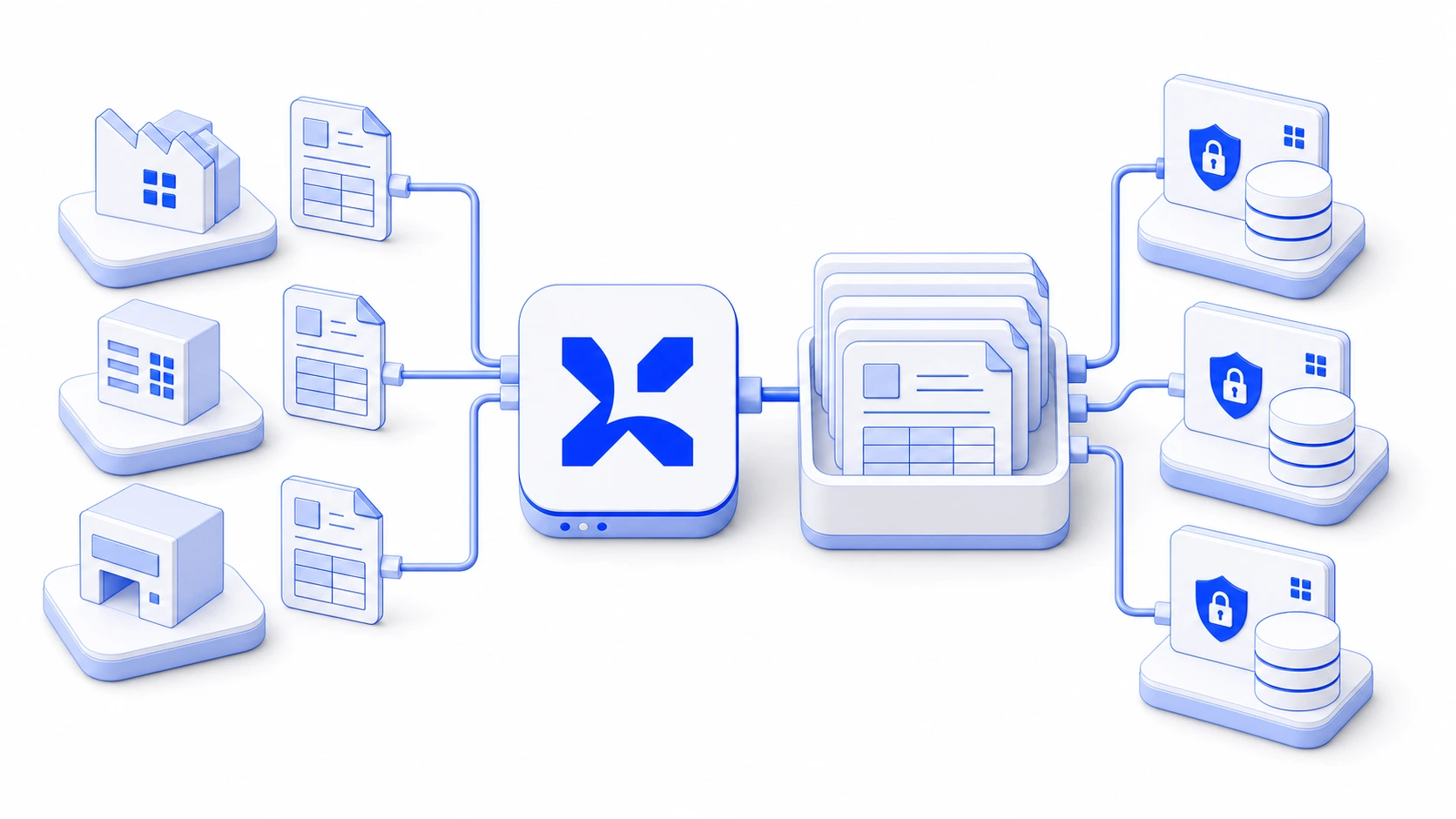
Give multiple business units the same extraction API while keeping account access, usage, and support context separated.
Extensions on request
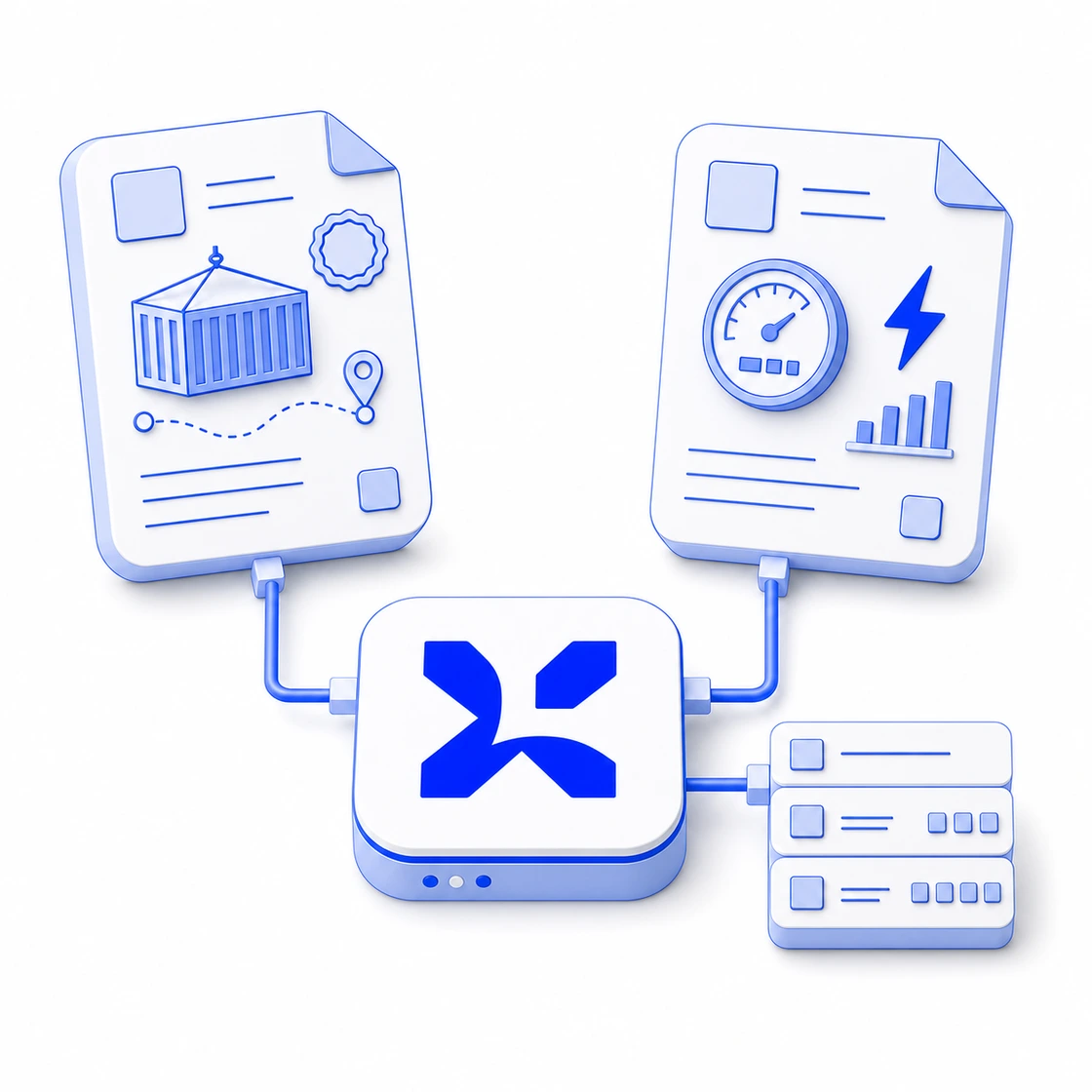
When your sector uses forms, statements, or records that standard extraction does not cover yet, exdata can scope the document type and fields into the same API flow.
Extension scope
Extensions stay focused: a document type, a field group, and enough examples to make the result useful in the API.
Custom fields are returned as typed JSON so your review queue, validation rules, and downstream systems can use them without a second workflow.
Where to start
The best first use case is usually a document flow with repeated fields, a clear owner, and a downstream system that already waits for the data.
Use this when the team already reviews the same invoices, statements, receipts, delivery notes, or archive PDFs every week.
Use this when the document has industry codes, line context, regulatory references, or review flags that standard extraction should not guess.
Use this when customers, internal teams, or branch offices already upload documents into a portal, inbox, or review queue.
Next